Create App Store Connect API Key
Login to appstore connect: https://appstoreconnect.apple.com/login
Navigate to
Users and AccessSelect the
Keystab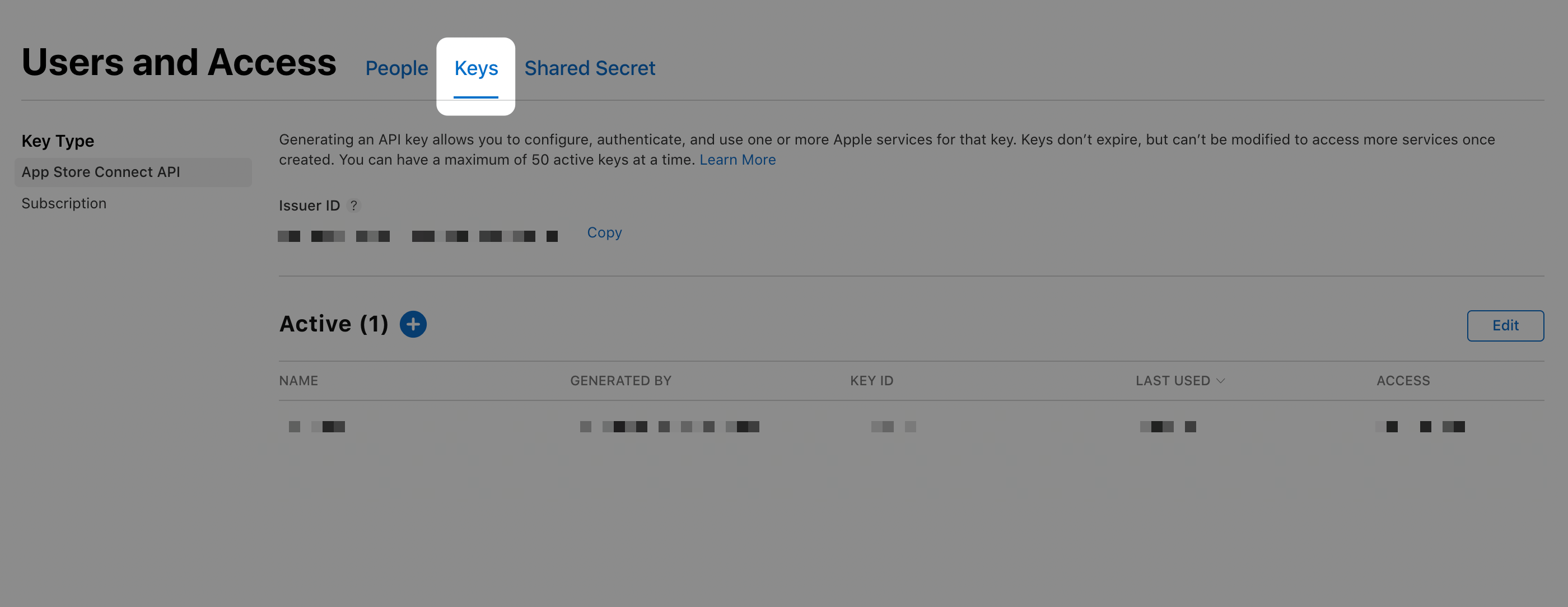
Click
Generate API Keybutton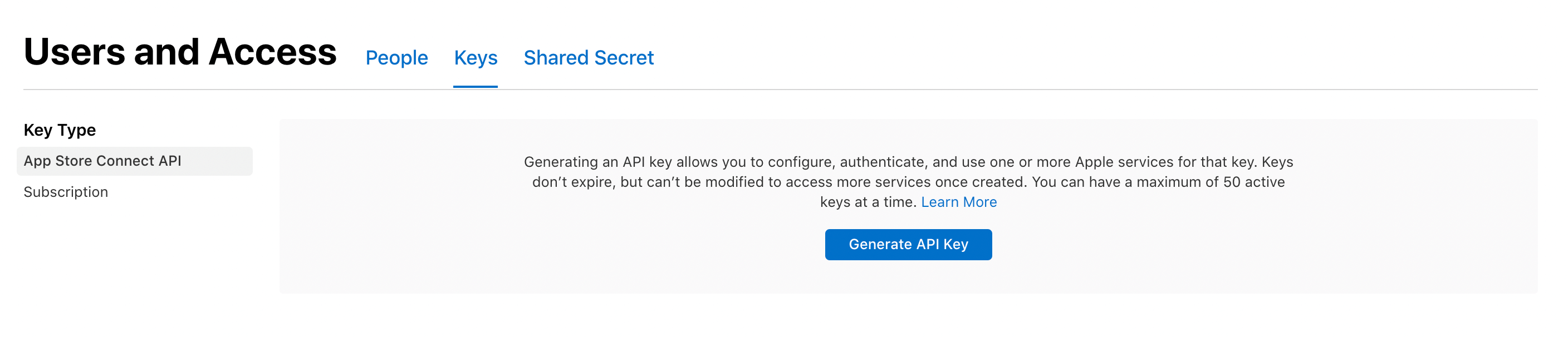
Enter a name for the key
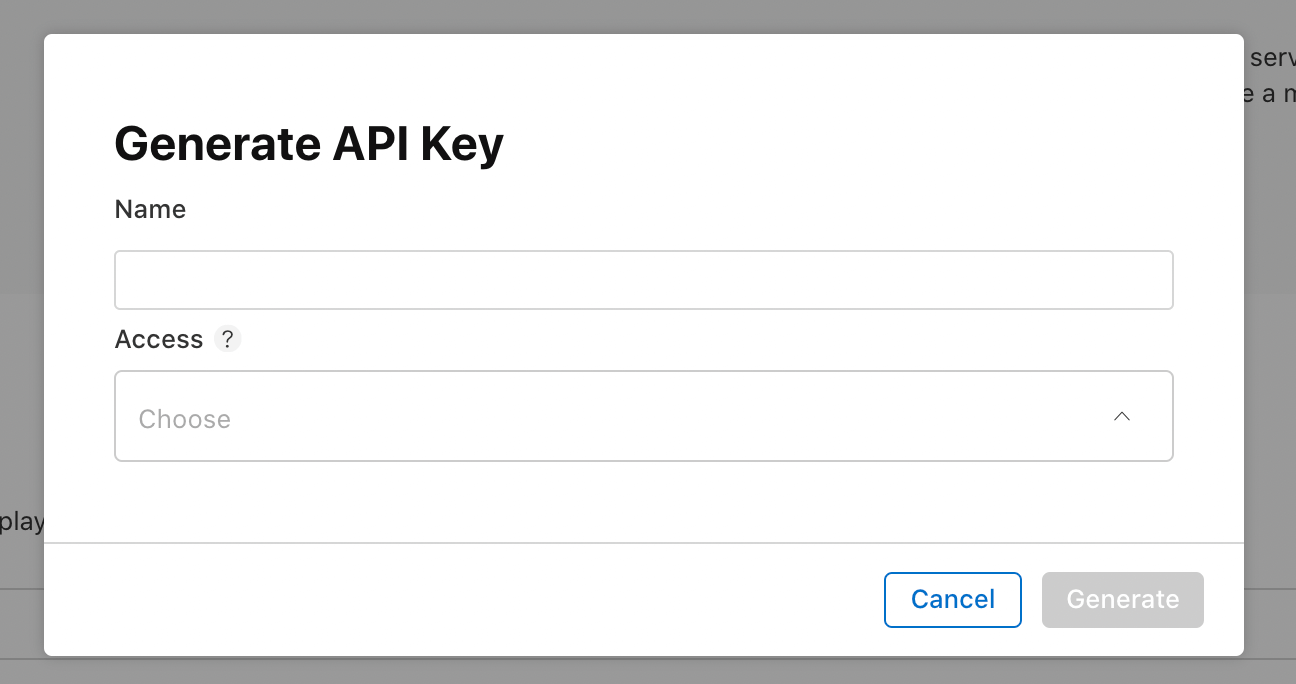
Select at least one role. Remember to provide the minimum level of access needed.
Click
Generate
API key will be in
.p8format. You might consider using a base64-encoded version to avoid running into this known issue.To encode your key, run the command below
cat [YOUR_KEY_NAME].p8 | base64
- To use in Fastlane, you’ll pass in your key ID, issuer ID and key filepath as environment variables or direct values.
app_store_connect_api_key(
   key_id: "D83848D23",
   issuer_id: "227b0bbf-ada8-458c-9d62-3d8022b7d07f",
   key_content: "ABC123" // base64 encoded key,
   is_key_content_base64: true,
   in_house: false #boolean value if team is Enterprise or not
 )
- If you add everything as environment variables in your CLI, your call to app_store_connect_api_key can be as simple as:
app_store_connect_api_key()
- The app_store_connect_api_key action sets a shared variable,
Actions.lane_context[SharedValues::APP_STORE_CONNECT_API_KEY], which other actions can easily use. That way, you don’t have to provide your API key to each individual action.
lane :build_app do |options|
    api_key = lane_context[SharedValues::APP_STORE_CONNECT_API_KEY]

    gym(
        api_key: api_key,
    )
end